
Kanji quizzes for the joy of reading
How do you read 進捗 in Japanese?
How far has the work progressed?
Make the words you meet in books your own, one quiz at a time. Discover Japanese kanji readings, meanings and usage with DuraRing.
Unfamiliar kanji? Scan and look it up.Explore the OCR & AI dictionaryHow do you read this in Japanese?
Think of your answer before you look.
HINTShow hint
The progress of work or a task, often followed by 状況 to ask how things are going.
More on radicals and this quiz’s stroke counts
Describe the shapes you see
You do not need to know the radical’s name. Try these searches for this quiz’s characters.
hand radical beside a shape like 歩
進 followed by hand radical and 歩 reading
two kanji for work progress
These searches describe visual similarities, not formal radicals or character components.
進 has 11 strokes and the radical 辵 (movement). 捗 has 10 strokes and the radical 手 (hand). Radicals are dictionary classifications. The shape-based search phrases below provide other lookup clues.
進11 strokes / radical: 辵 (movement)
捗10 strokes / radical: 手 (hand)
Stroke counts and radicals follow the Japanese dictionary Kanjipedia; other dictionaries may differ.
ANSWERShow answerHide answer
The answer is
しんちょく
shinchoku
進捗
Understand the meaning
English translationProgress
Progress made on a job or plan, also used when discussing how far it has advanced.

See it in a sentence
模型づくりの進捗を、写真で記録した。I documented the model-building progress with photographs.
A way to remember
Read it shinchoku, not shinpo. 捗 resembles a hand radical beside 歩, but has 10 strokes in the dictionary form.
Sources:Kanjipedia: 進捗
The explanation draws on the sources below. Examples were written for this page.
The answer and explanation stay hidden until you open them.
Read and learn with  .
.
Photograph unfamiliar kanji, look them up and save them in the app, linked to your book.A reading app that helps you revisit words in the context of your books.
Capture and look up kanji
Photograph a printed page.Check kanji readings and meanings.
Save words. Connect them to books.
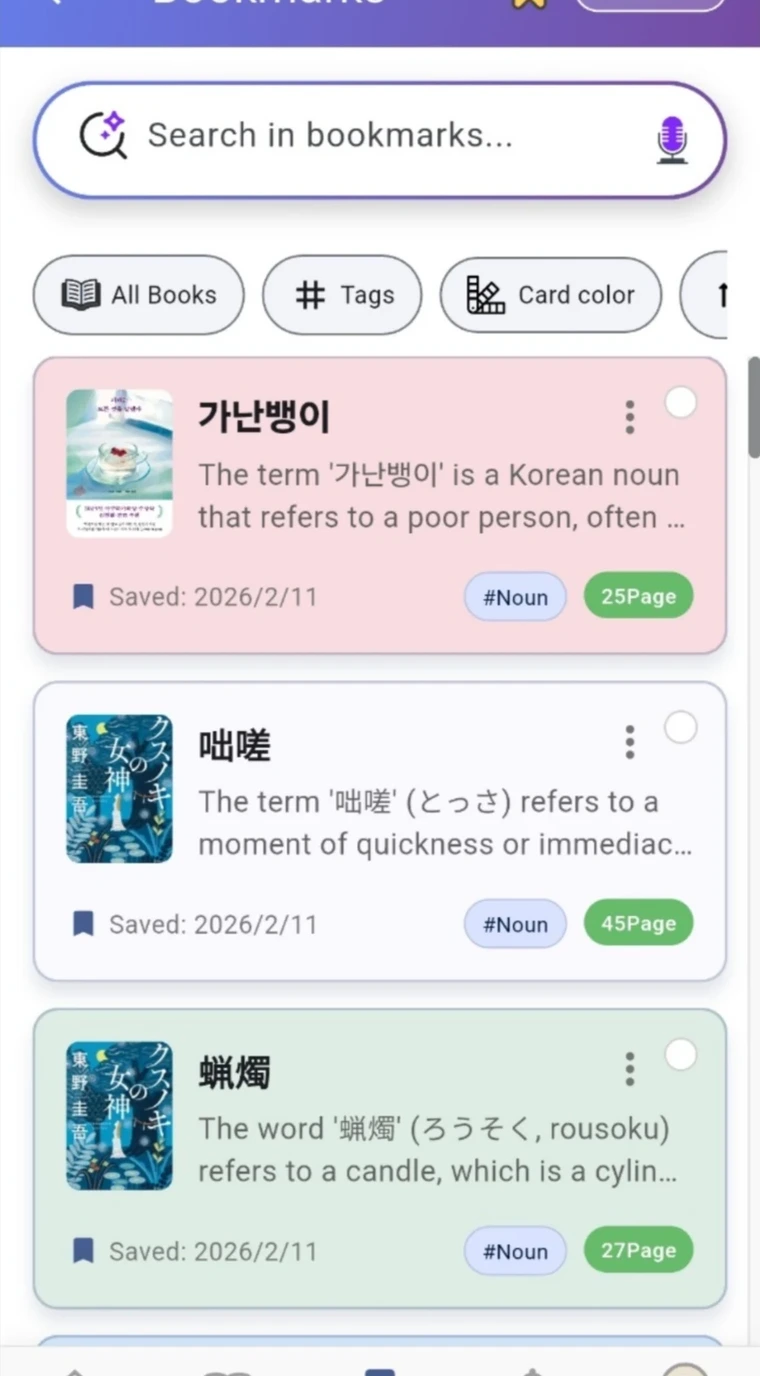
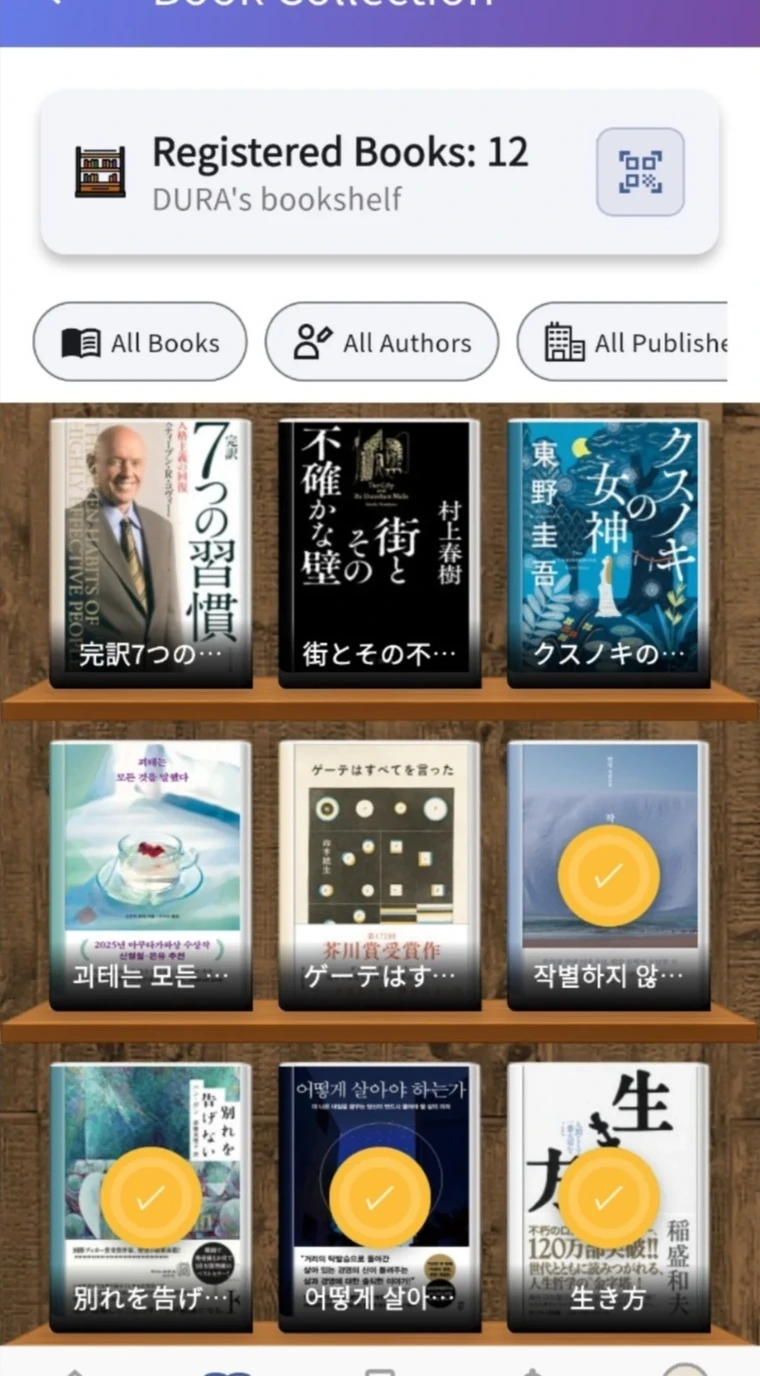
Save readings and meanings with the book and page.Revisit your reading through notes linked to your bookshelf.
① illustrates the capture feature. ② shows actual app screens.