
Kanji quizzes for the joy of reading
How do you read 既出 in Japanese?
That material appeared earlier.
Make the words you meet in books your own, one quiz at a time. Discover Japanese kanji readings, meanings and usage with DuraRing.
Unfamiliar kanji? Scan and look it up.Explore the OCR & AI dictionaryHow do you read this in Japanese?
Think of your answer before you look.
HINTShow hint
Something already presented or mentioned. Focus on the character in 既に, “already.”
More on radicals and this quiz’s stroke counts
Describe the shapes you see
You do not need to know the radical’s name. Try these searches for this quiz’s characters.
概 without the tree radical reading
kanji for already followed by 出 reading
既 right component radical 10 strokes
These searches describe visual similarities, not formal radicals or character components.
既 has 10 strokes and the radical 无 (not). 出 has 5 strokes and the radical 凵 (open box). Radicals are dictionary classifications. The shape-based search phrases below provide other lookup clues.
既10 strokes / radical: 无 (not)
出5 strokes / radical: 凵 (open box)
Stroke counts and radicals follow the Japanese dictionary Kanjipedia; other dictionaries may differ.
ANSWERShow answerHide answer
The answer is
きしゅつ
kishutsu
既出
Understand the meaning
English translationPreviously mentioned / already presented
Already presented or mentioned, such as a word introduced earlier in a textbook or a previously raised question.

See it in a sentence
既出の単語をノートで確かめてから、次の章を読んだ。I checked the previously introduced words in my notebook before reading the next chapter.
A way to remember
既 is ki, giving kishutsu. Do not confuse it with gai in 概, which has an additional tree radical.
Sources:Kanjipedia: 既 / Shogakukan Digital Daijisen: 既出 (Kotobank)
The explanation draws on the sources below. Examples were written for this page.
Explore the word further
Using 既出
既出の単語 and 既出の説明 refer to material already presented. In study material, the word can prompt you to look back to an earlier occurrence.
例:既出の単語には印を付け、新しい単語と分けて復習した。
I marked words already introduced and reviewed them separately from new ones.
Reading and meaning in context
既 contributes the sense “already,” and the reading is きしゅつ. Check the actual characters instead of substituting a similar-looking one.
References for this explanation:Kanjipedia: 既 / Shogakukan Digital Daijisen: 既出 (Kotobank)
Explanation checked on 2026-10-23. Additional examples were written by DuraRing for this page.
The answer and explanation stay hidden until you open them.
Read and learn with  .
.
Photograph unfamiliar kanji, look them up and save them in the app, linked to your book.A reading app that helps you revisit words in the context of your books.
Capture and look up kanji
Photograph a printed page.Check kanji readings and meanings.
Save words. Connect them to books.
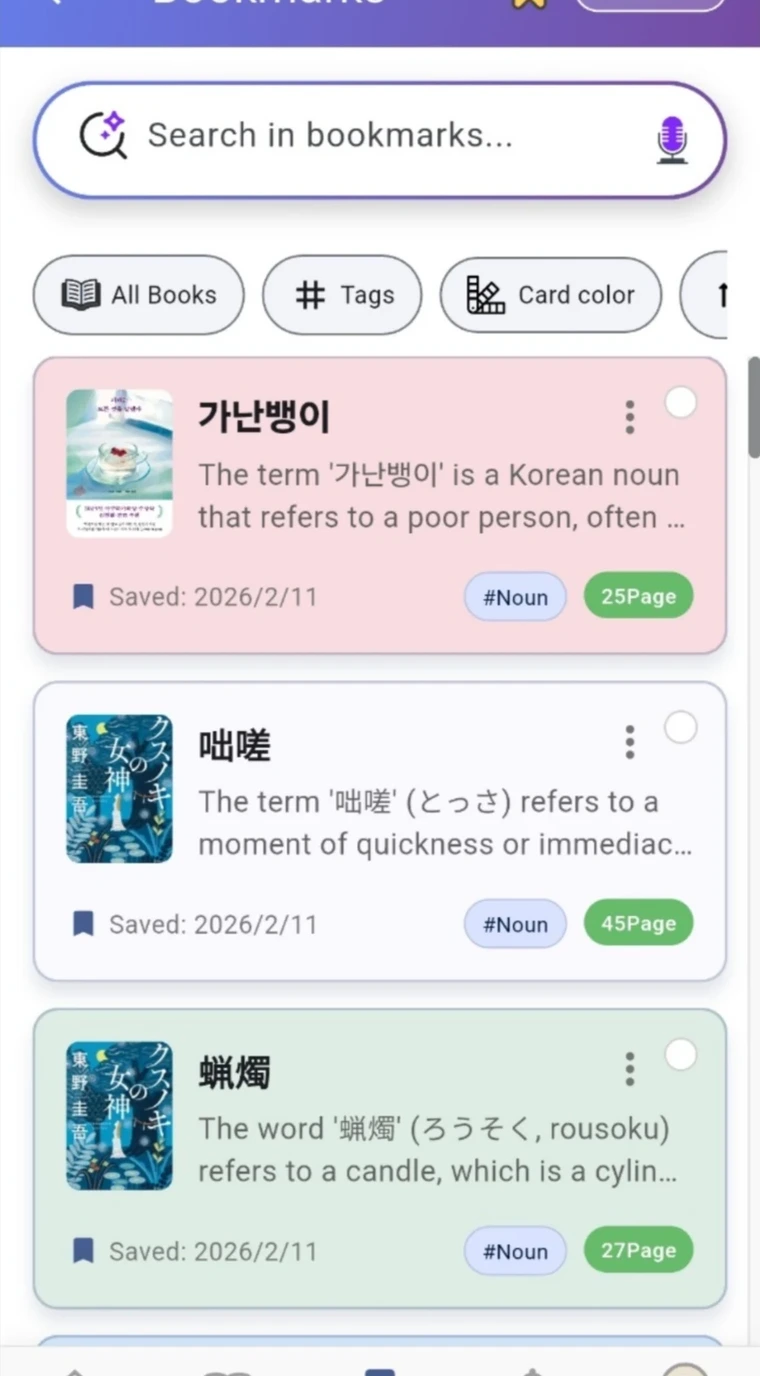
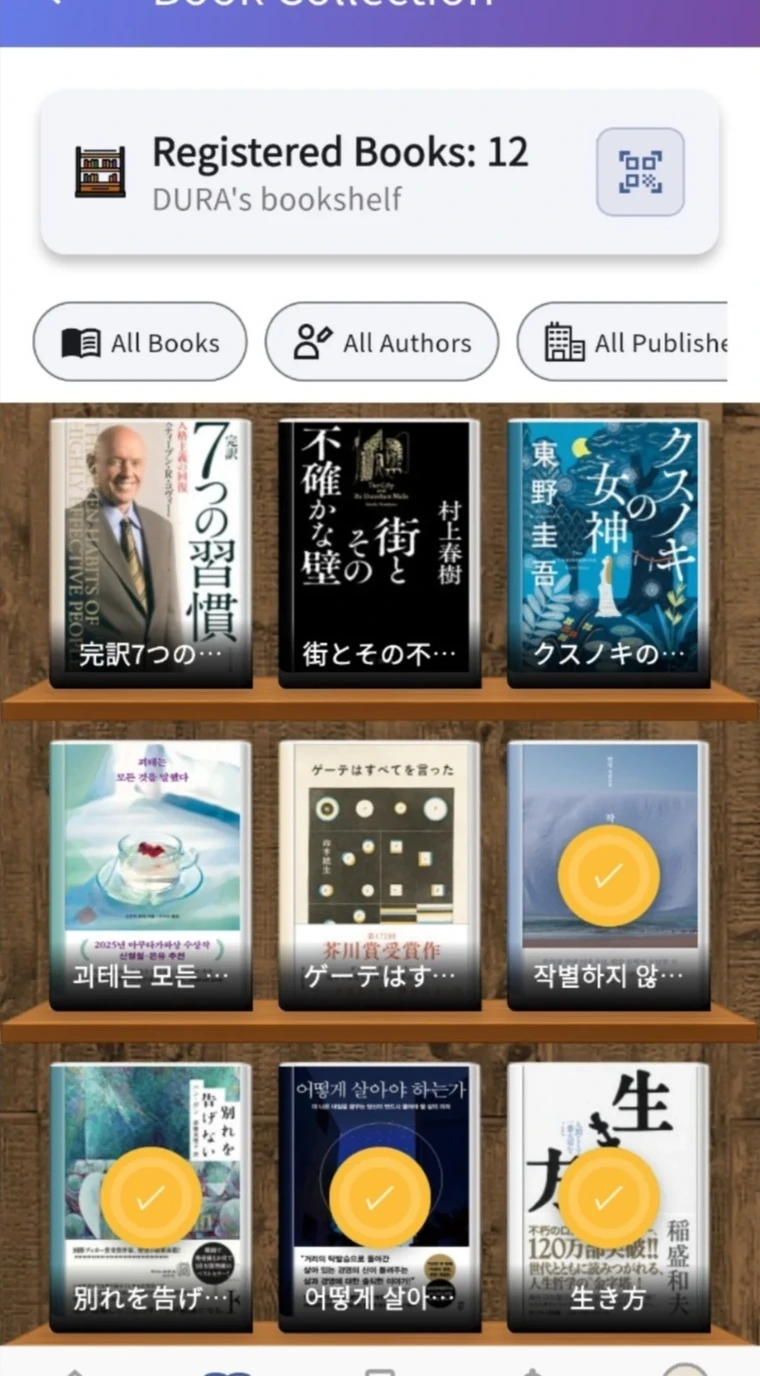
Save readings and meanings with the book and page.Revisit your reading through notes linked to your bookshelf.
① illustrates the capture feature. ② shows actual app screens.