
Kanji quizzes for the joy of reading
How do you read 重複 in Japanese?
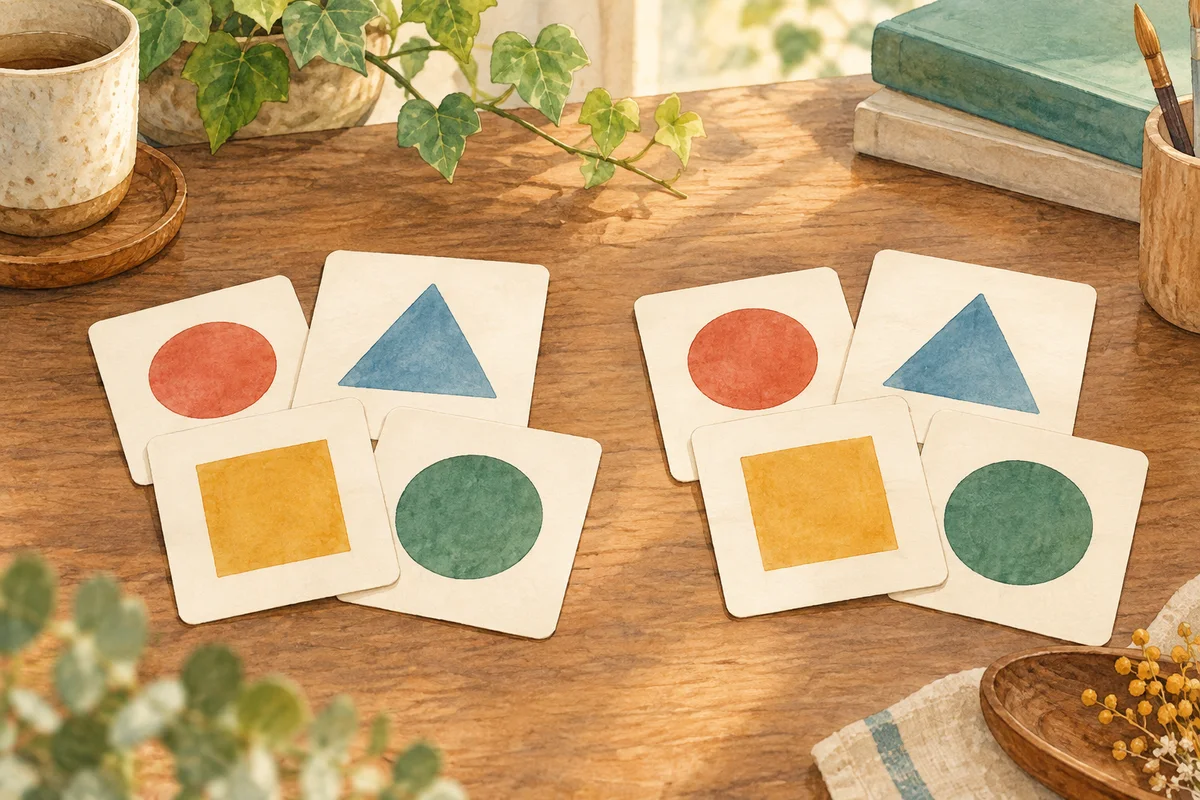
The same material appears more than once.
Make the words you meet in books your own, one quiz at a time. Discover Japanese kanji readings, meanings and usage with DuraRing.
Unfamiliar kanji? Scan and look it up.Explore the OCR & AI dictionaryHow do you read this in Japanese?
Think of your answer before you look.
HINTShow hint
The same thing occurring more than once. Two readings of 重 are recognized in this word.
More on radicals and this quiz’s stroke counts
Describe the shapes you see
You do not need to know the radical’s name. Try these searches for this quiz’s characters.
重 and clothing radical beside the right side of 復
clothing radical beside 复 kanji
two readings of 重 and 複
These searches describe visual similarities, not formal radicals or character components.
重: 9 strokes; radical 里 (village). 複: 14 strokes; radical 衤 (clothing). Visual search descriptions are distinct from dictionary radical classifications.
重9 strokes / radical: 里 (village)
複14 strokes / radical: 衤 (clothing)
Stroke counts and radicals follow the Japanese dictionary Kanjipedia; other dictionaries may differ.
ANSWERShow answerHide answer
The answer is
ちょうふく
chōfuku / jūfuku
重複
Understand the meaning
English translationDuplication / overlap
The same thing or content appearing more than once, such as duplicate entries or applications.
See it in a sentence
参加者名簿を見直すと、同じ名前の重複が見つかった。Reviewing the participant list revealed a duplicated name.
A way to remember
Both chōfuku and jūfuku are recorded in dictionaries. 複 is fuku in each.
Sources:Kanjipedia: 重複
The explanation draws on the sources below. Examples were written for this page.
Explore the word further
Identify the duplicated content
Use 説明が重複する or 重複を避ける. In editing, identify where the same information appears again.
例:二つの案内文で説明が重複していたので、一か所にまとめた。
The explanations overlapped across two notices, so I consolidated them in one place.
Recognize both pronunciations
Kanjipedia lists chōfuku and also gives jūfuku. This quiz accepts both without assigning them different meanings.
References for this explanation:Kanjipedia: 重複
Explanation checked on 2026-11-02. Additional examples were written by DuraRing for this page.
The answer and explanation stay hidden until you open them.
Read and learn with  .
Photograph unfamiliar kanji, look them up and save them in the app, linked to your book.A reading app that helps you revisit words in the context of your books.
Capture and look up kanji
Photograph a printed page.Check kanji readings and meanings.
Save words. Connect them to books.
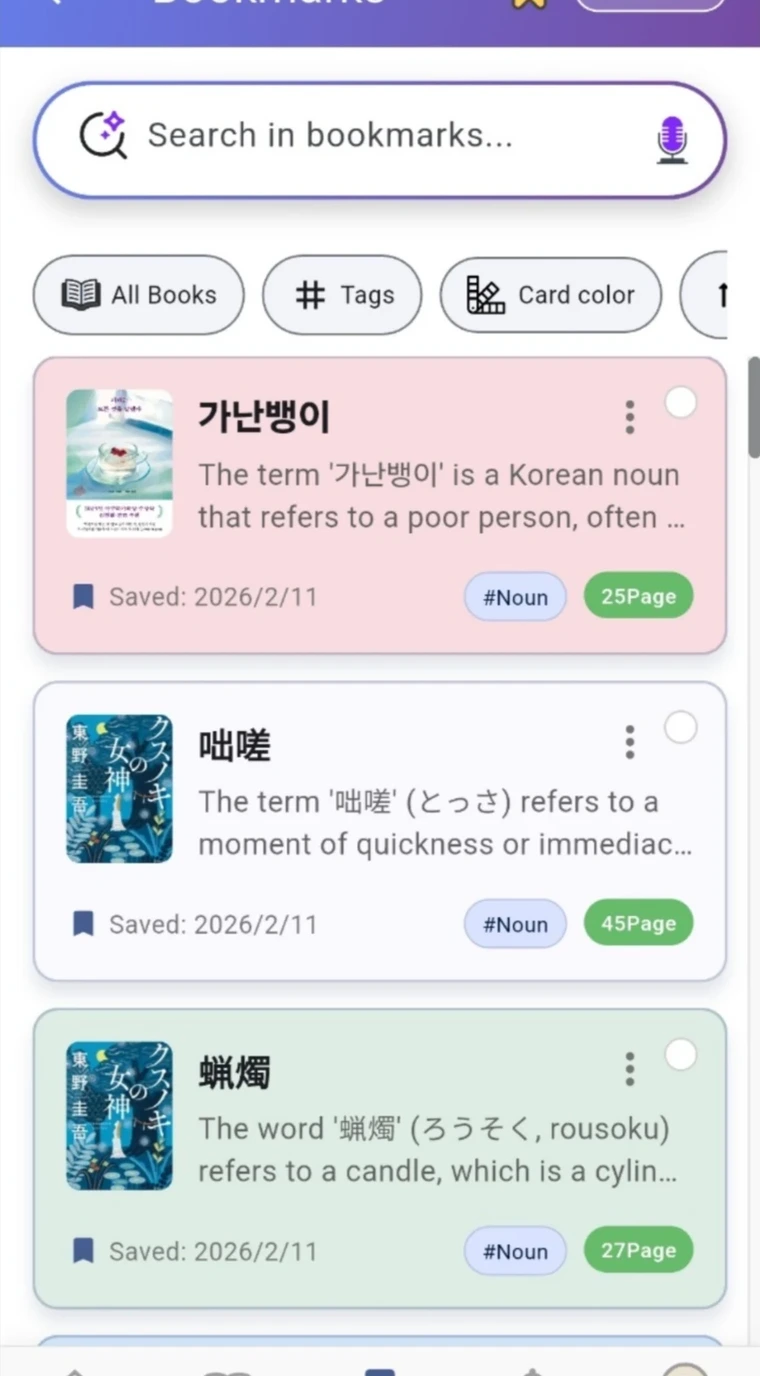
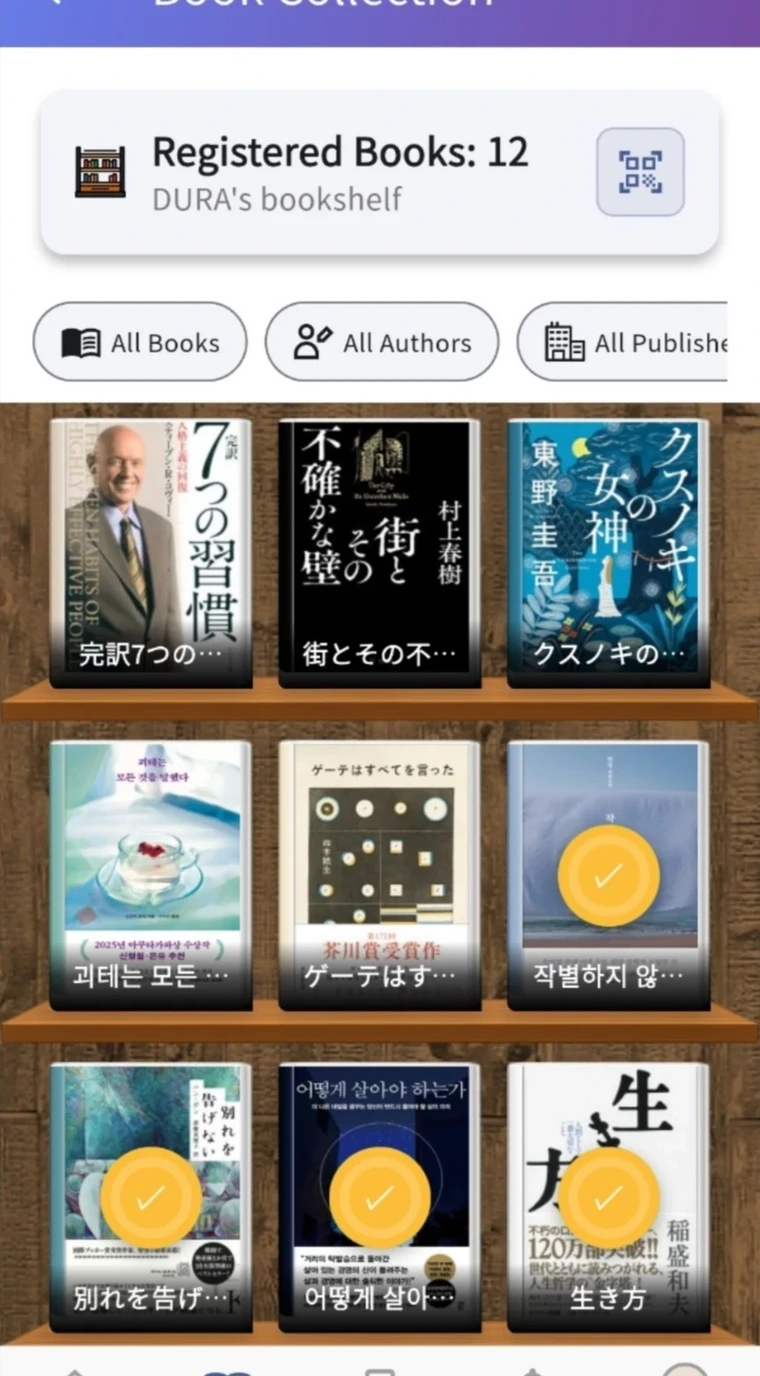
Save readings and meanings with the book and page.Revisit your reading through notes linked to your bookshelf.
① illustrates the capture feature. ② shows actual app screens.